
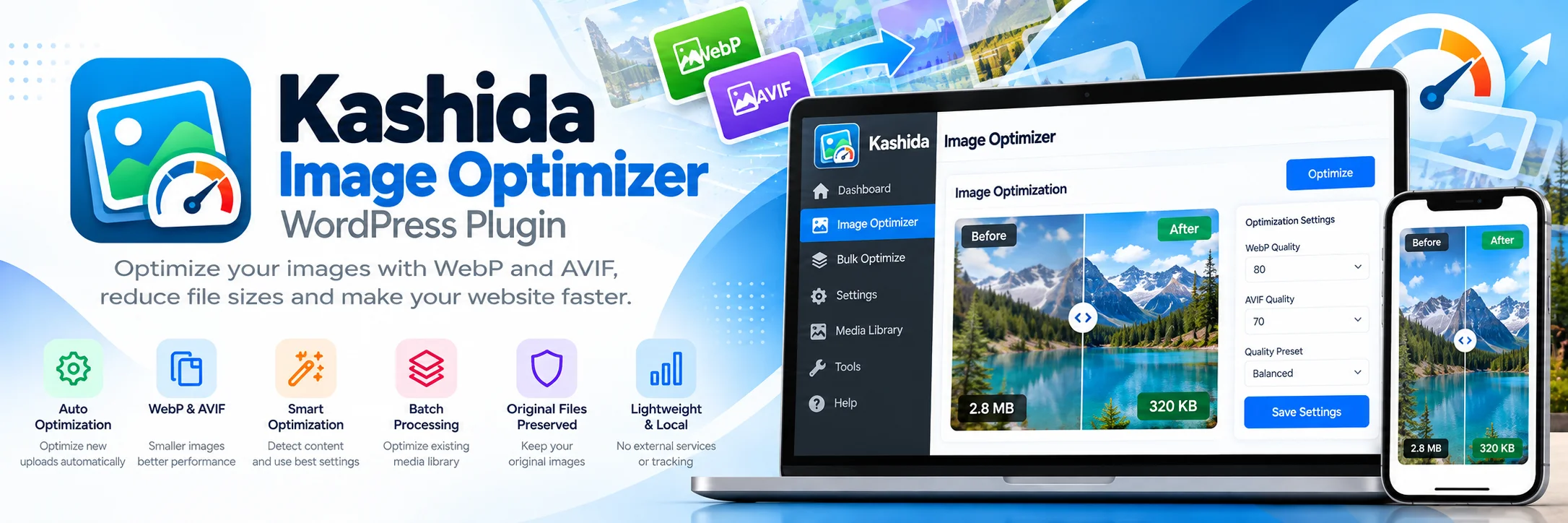
kashida Image Optimizer
Optimize WordPress images with WebP and AVIF conversion, smart compression, and batch processing — while keeping your original files untouched.
PLUGIN DETAILS
- Version: v5.1.27
- Last Updated: 10-2026
- License: GPL-2.0-or-later
- WordPress Version: v5.8
- PHP Version: v8
- Languages: English, Arabic
- Plugin Type: Free
- Developer: Kashida Media Services
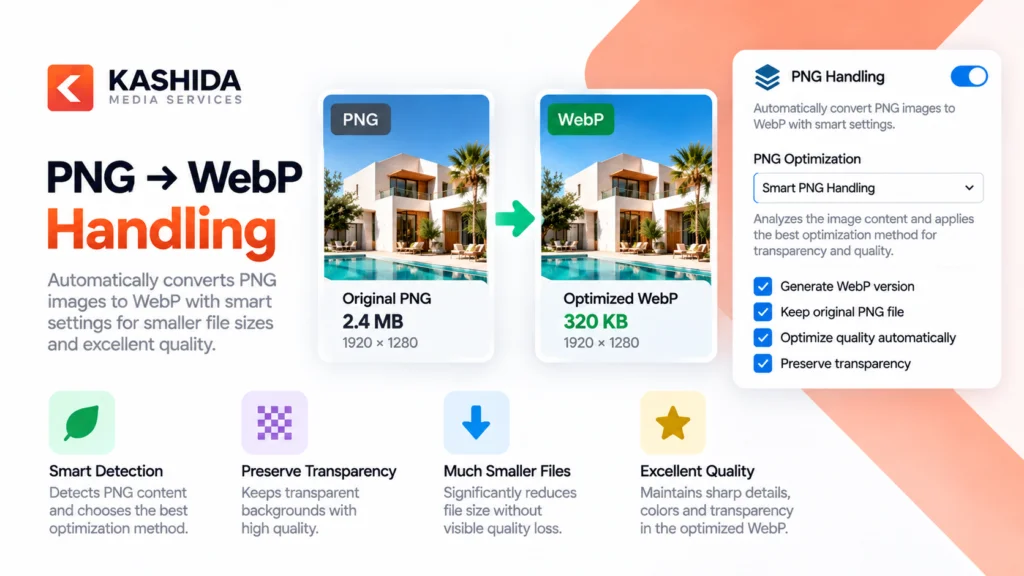
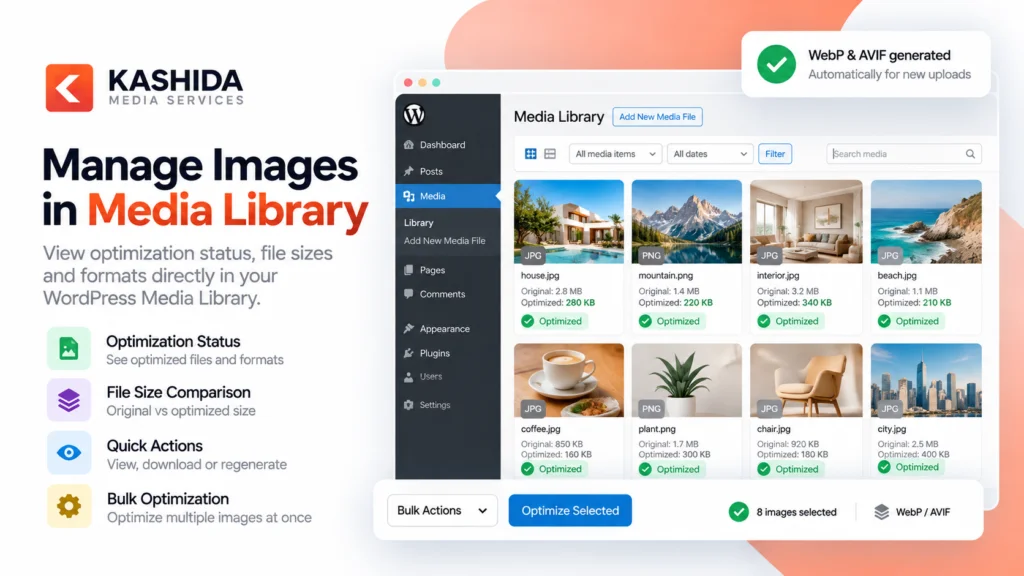
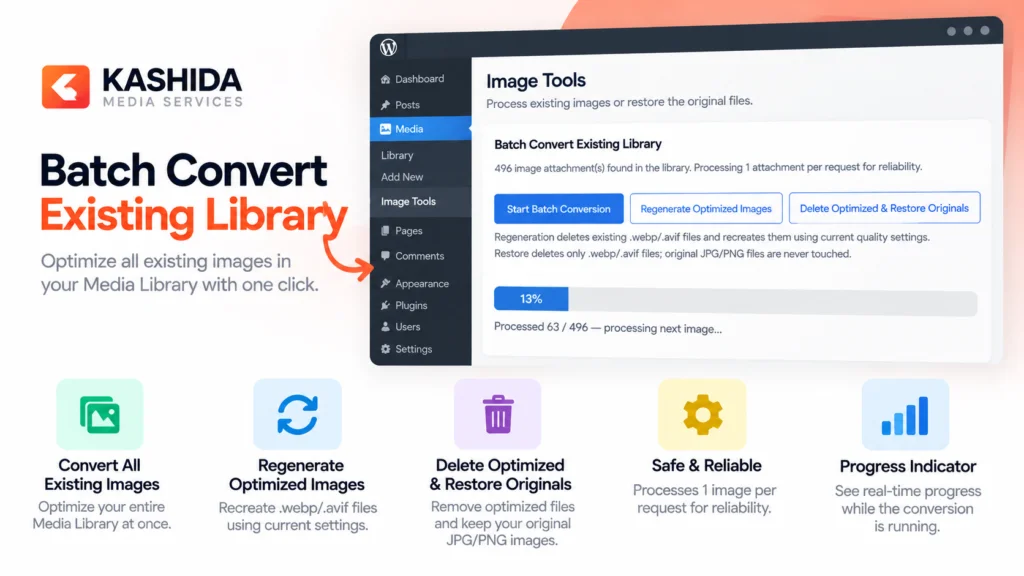
Kashida Image Optimizer is a lightweight WordPress plugin designed to reduce image file sizes and improve website performance through optimized WebP and AVIF versions.
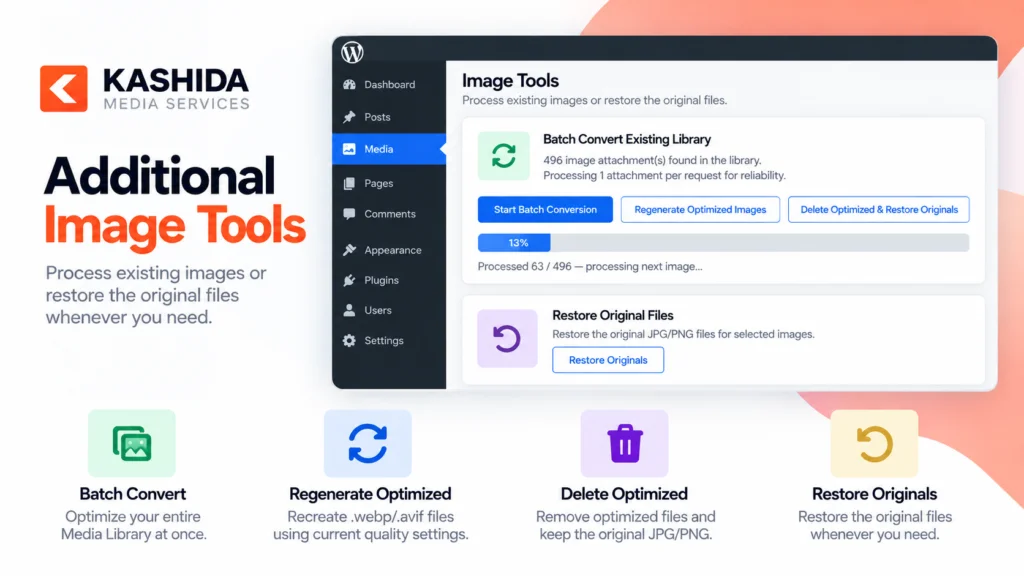
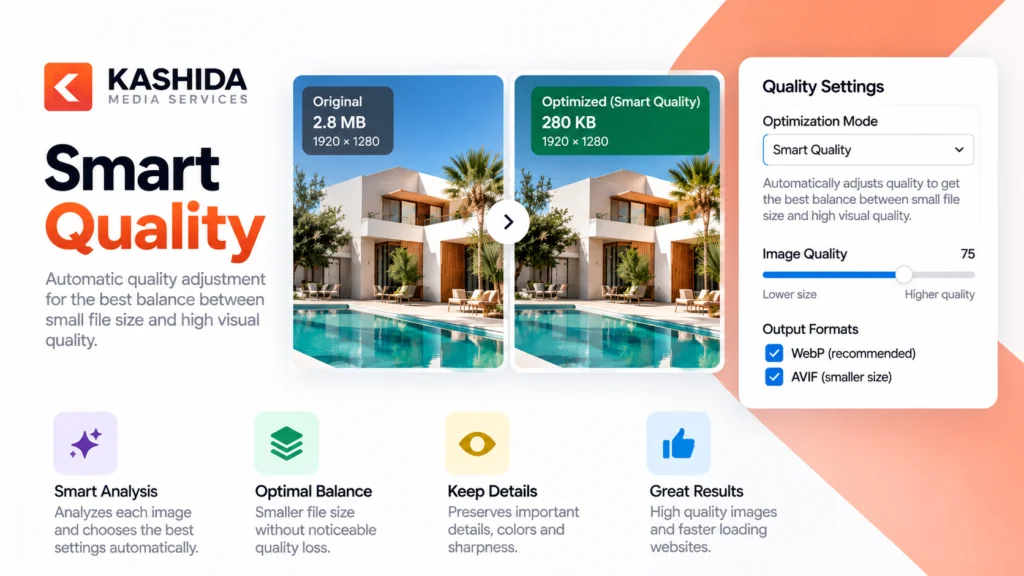
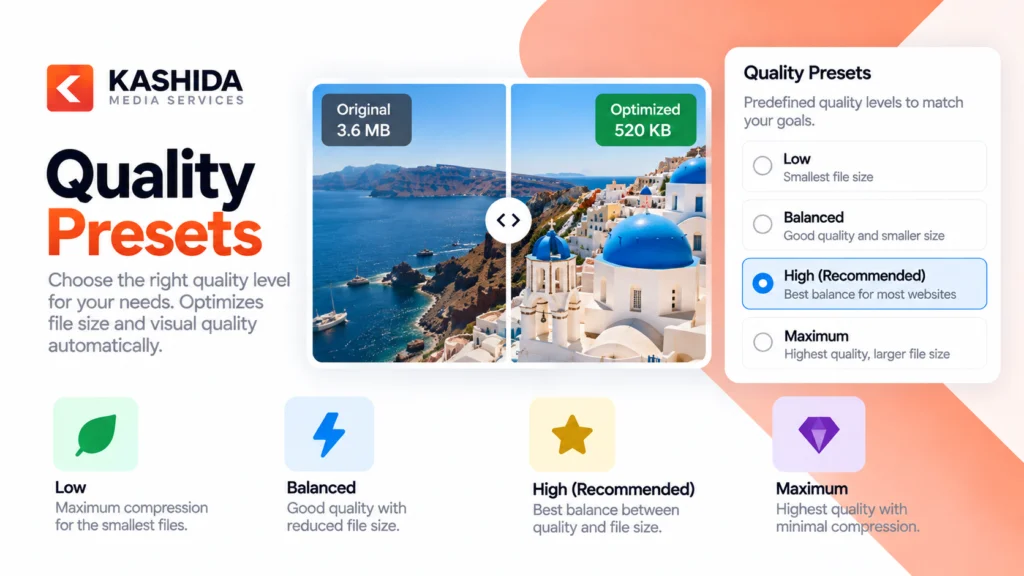
Automatically optimize new uploads or process existing images in your Media Library using batch conversion, re-optimization, and cleanup tools. Configure image quality settings, use smart PNG handling, and choose optimization presets to suit your website’s needs.
Original image files are preserved, allowing you to optimize your media library without replacing your source images.
Key Benefits
- Automatically optimize new image uploads.
- Generate optimized WebP and AVIF versions.
- Process existing images in batches.
- Configure format-specific quality settings.
- Monitor optimization status from the Media Library.
- Preserve original files for recovery and reprocessing.
Automatic Image Optimization
Optimize newly uploaded images automatically when the relevant setting is enabled.
WebP & AVIF Conversion
Generate optimized WebP and AVIF versions to reduce image file sizes. AVIF availability depends on your server’s image-processing capabilities.
Smart PNG Handling
Handle PNG images with transparency using the supported optimization and conversion options.
Smart Content Detection
Use content-aware processing to help select suitable optimization settings for photographs and graphics.
Flexible Quality Controls
Configure separate quality settings for WebP and AVIF, with predefined quality presets.
Batch Processing
Process existing Media Library images in batches without needing to optimize each image individually.
Re-optimization
Reprocess supported images using updated quality settings.
Media Library Integration
Check optimization status and access available optimization actions directly from the WordPress Media Library.
Original File Preservation
Keep original images untouched while generating optimized versions.
Large Image Protection
Apply safeguards intended to reduce excessive server resource usage when processing large images.
Orphan File Cleanup
Use available cleanup tools to identify and remove eligible files that are no longer needed.
Local Image Processing
Process images on your WordPress server without relying on an external image optimization service.
Translation Ready
Support WordPress translation standards and .po/.mo translation files, with multilingual plugin compatibility where supported.
Kashida Image Optimizer helps website owners reduce image file sizes and improve website performance while preserving original images.
- Business Websites: Optimize images to improve page loading speed and user experience.
- E-commerce Stores: Reduce the size of product images while maintaining visual quality.
- Blogs & News Websites: Optimize article images and featured visuals for faster delivery.
- Photography Portfolios: Generate optimized image formats while retaining original files.
- Agency & Client Websites: Process existing Media Libraries and optimize new uploads across WordPress projects.
- Content-Heavy Websites: Use batch processing to optimize large image libraries more efficiently.
Whether you’re managing a small business website or a large content library, Kashida Image Optimizer provides practical tools for efficient image optimization directly within WordPress.
Installation Guide
- Open your WordPress dashboard.
- Navigate to Plugins → Add New Plugin → Upload Plugin.
- Select
kashida-image-optimizer.zip. - Click Install Now.
- Activate the plugin.
- Open Kashida Image Optimizer → Settings.
- Configure image quality and optimization options.
- Enable Auto-convert new uploads if you want new uploads to be processed automatically.
- Save your settings.
- To process existing images, use Batch Convert Existing Library.
System Requirements
- WordPress: 5.5 or later
- PHP: 8.0 or later
- Image Processing: Imagick and/or GD, depending on the operation
- AVIF Support: Requires a compatible image-processing library and server environment
Does Kashida Image Optimizer replace original images?
No. The plugin is designed to preserve original image files while generating optimized versions.
Can I optimize images already in my Media Library?
Yes. Use the batch conversion feature to process existing images.
Can new uploads be optimized automatically?
Yes. Enable Auto-convert new uploads in the plugin settings.
Does the plugin support WebP and AVIF?
Yes. It supports generating WebP and AVIF versions when the required image-processing capabilities are available on your server.
Does AVIF work on every hosting environment?
Not necessarily. AVIF support depends on the installed image-processing library and its configuration.
Can I change image quality settings?
Yes. The plugin provides separate quality controls for WebP and AVIF, along with quality presets.
Can I re-optimize images after changing settings?
Yes. Use the re-optimization tools available in the plugin to process supported images with updated settings.
Does the plugin use an external optimization service?
Image processing is performed locally on your WordPress server. The plugin does not require an external image optimization service.
Where can I get help?
Visit the Kashida Media Services website for available documentation and support resources.
Review the release history of Kashida Image Optimizer to learn about new features, performance improvements, bug fixes, and compatibility updates.
Version 5.1.27
- Fixed JavaScript localization on the WordPress Media Library screen.
- Fixed the Re-optimize and Delete optimized actions in Media Library list view.
- Improved compatibility of media optimization actions with the admin interface.
- Updated plugin version metadata.
- Plugin Name: Kashida Image Optimizer
- Version: 5.1.27
- Developer: Kashida Media Services
- Developer: Mrwan elGobee
- License: GPL-2.0-or-later
- Requires WordPress: 5.5 or later
- Requires PHP: 8.0 or later
- Tested up to: WordPress 7.1 — verify against the actual tested release
- Text Domain: kashida-image-optimizer
- Image Formats: JPG, JPEG, PNG → WebP / AVIF
- Image Processing: Local server-side processing
- Original Files: Preserved
- External Services: None required for image optimization
- Tracking & Telemetry: No plugin telemetry
Developer Website: https://kashida.ly/
Developer Portfolio: https://www.behance.net/Mrwan_elgobee